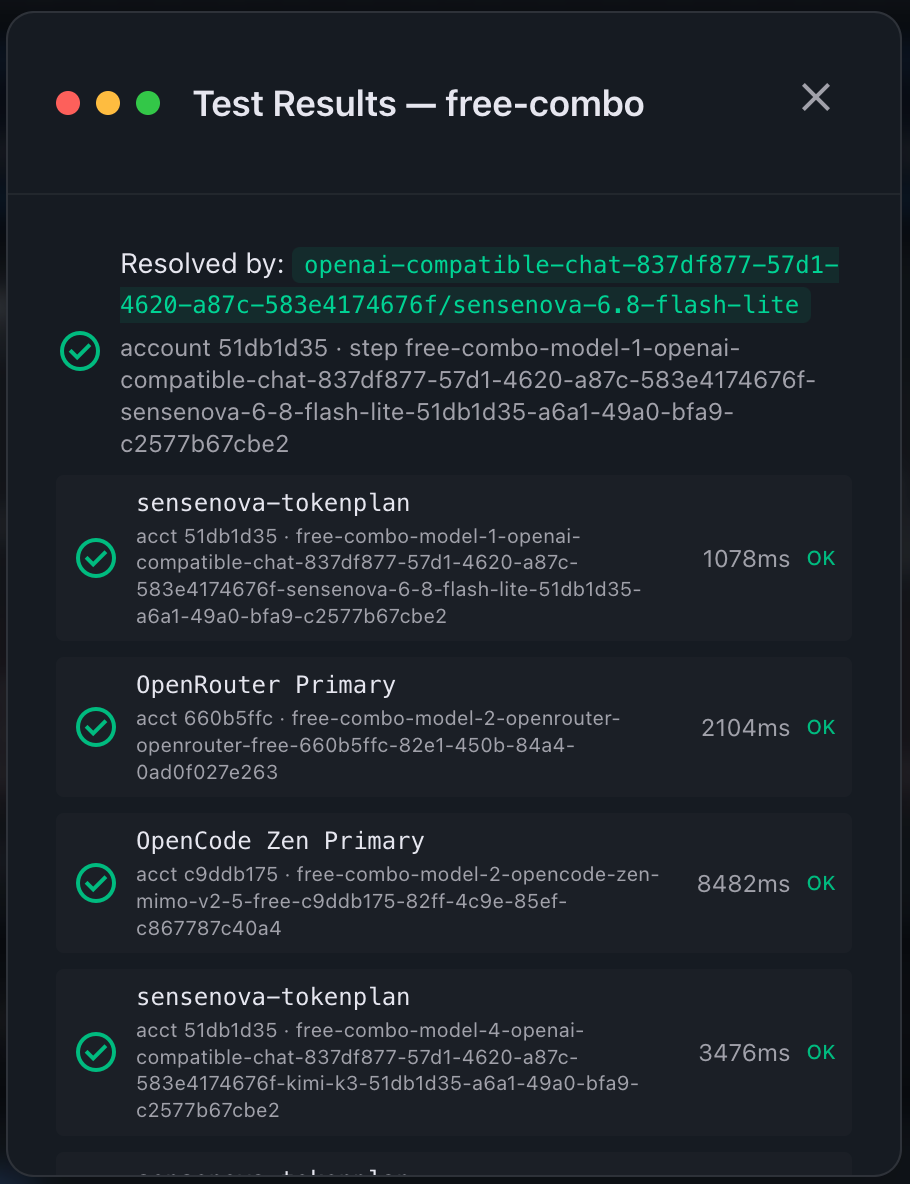
通过 API 调用各种平台的 AI 接口时,可能都会有窗口/周额度、并发限制等约束,导致 API 调用失败,这时手动切换模型或重试都比较麻烦。
OmniRoute
OmniRoute 是一个开源 AI 路由器,通过一个 OpenAI/Anthropic 兼容端点在多家提供商之间路由,并自动故障转移。
OmniRoute 提供了 多种安装方式 ,npm 方式安装时,需要的 Node.js 运行时环境是 22.x / 24.x LTS — >=22.22.2 <23 || >=24.0.0 <27。
# 安装
$ npm install -g omniroute
# 运行
$ omniroute
  📋 Loaded env from /Users/alphahinex/.nvm/versions/node/v24.20.0/lib/node_modules/omniroute/.env
  ✨ Generated STORAGE_ENCRYPTION_KEY in /Users/alphahinex/.omniroute/.env

   ____                  _ ____              _
   / __ \                (_) __ \            | |
  | |  | |_ __ ___  _ __ _| |__) |___  _   _| |_ ___
  | |  | | '_ ` _ \| '_ \ |  _  // _ \| | | | __/ _ \
  | |__| | | | | | | | | | | | \ \ (_) | |_| | ||  __/
   \____/|_| |_| |_|_| |_|_|_|  \_\___/ \__,_|\__\___|

  v3.8.50

  ⚠  SECURITY: listening on 0.0.0.0 with NO API-key requirement — the inference plane (/v1/*) is reachable by ANY device that can route to this host, and requests are billed to your configured providers. This local-first default is intentional, but on an untrusted network either set REQUIRE_API_KEY=true or bind loopback with OMNIROUTE_SERVER_HOST=127.0.0.1.

  ⏳ Starting server...


  ✔ OmniRoute is running! (started in 4.5s)

    Dashboard:  http://localhost:20128
    API Base:   http://localhost:20128/v1

    Point your CLI tool (Cursor, Cline, Codex) to:
    http://localhost:20128/v1

    Press Ctrl+C to stop
运行后会在本地 20128 端口启动 HTTP 服务,浏览器直接访问 http://localhost:20128/v1 或 http://localhost:20128/v1/models 会看到支持的模型(即使尚未进行任何配置)。
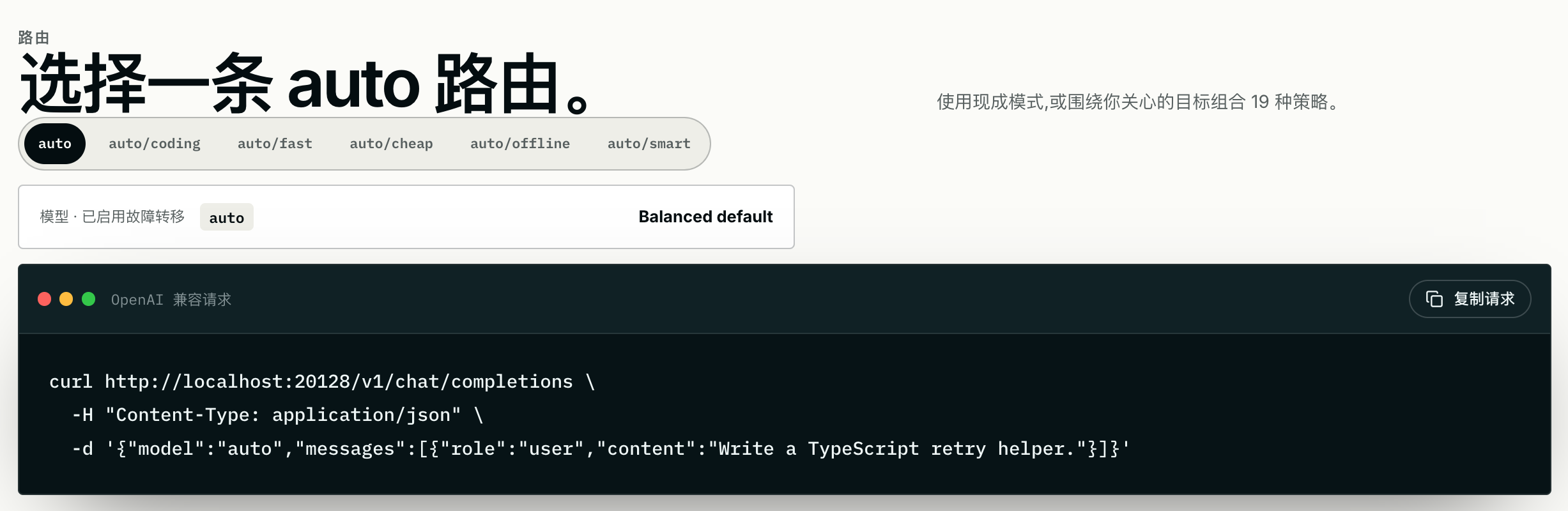
幸运的话,直接通过下面 curl 命令,可以得到 AI 的响应:
# Fresh install, zero credentials — `auto` already works:
curl http://localhost:20128/v1/chat/completions \
  -H "Content-Type: application/json" \
  -d '{"model":"auto","messages":[{"role":"user","content":"Hello!"}]}'
也可能不幸的得到如下报错:
{"error":{"message":"oc/big-pickle: rate limit — [429]: Error from provider (Console): Rate limit exceeded. Please try again later. (HTTP 429); oc/muse-spark-1.2: model — [402]: This model requires an opencode API key — add one in Settings → Providers. (HTTP 402); oc/muse-spark-1.2-contributor-free: auth — [403]: This model is not available in your country. (HTTP 403); felo/felo-chat: provider — [500]: fetch failed (HTTP 500)","type":"server_error","code":"bad_gateway"},"diagnostics":{"poolSize":12,"attempted":4,"excluded":[{"provider":"opencode","reason":"exhausted_connection:noauth"},{"provider":"felo-web","reason":"exhausted_connection:noauth"}],"attemptOrder":[{"provider":"opencode","model":"oc/big-pickle"},{"provider":"opencode","model":"oc/big-pickle"},{"provider":"opencode","model":"oc/muse-spark-1.2"},{"provider":"opencode","model":"oc/muse-spark-1.2-contributor-free"},{"provider":"felo-web","model":"felo/felo-chat"},{"provider":"felo-web","model":"felo/felo-chat"}],"terminalReason":"[500]: fetch failed","recovery":{"action":"retry","next_step":"The combo failed transiently. Retry the same combo, or switch to model: auto if the failure repeats."}},"recovery_hint":{"action":"retry","next_step":"The combo failed transiently. Retry the same combo, or switch to model: auto if the failure repeats."}}Provider
浏览器访问 http://localhost:20128 可以打开 Dashboard 界面,在 Providers 界面可以配置模型供应商:
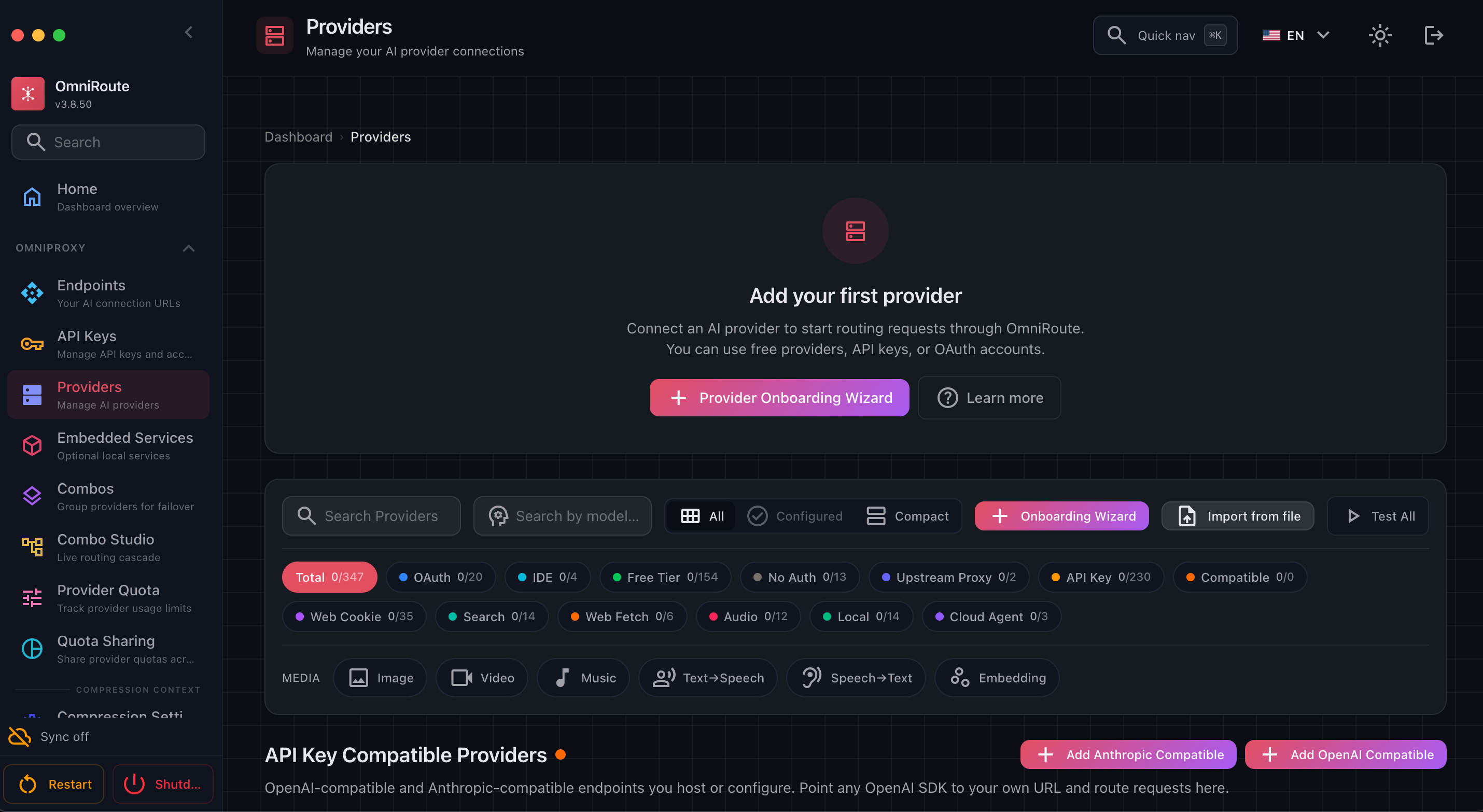
点击 Onboarding Wizard 进入供应商配置向导,API-key provider 类型可以选择内置的模型供应商,Custom compatible provider 类型可以配置兼容 OpenAI 接口或 Anthropic 接口格式的自定义端点。
一些免费AI模型,及在 VS Code 中使用 列出了一些提供免费模型的供应商,近期 商汤 Token Plan 公测期也有一些免费额度可用。
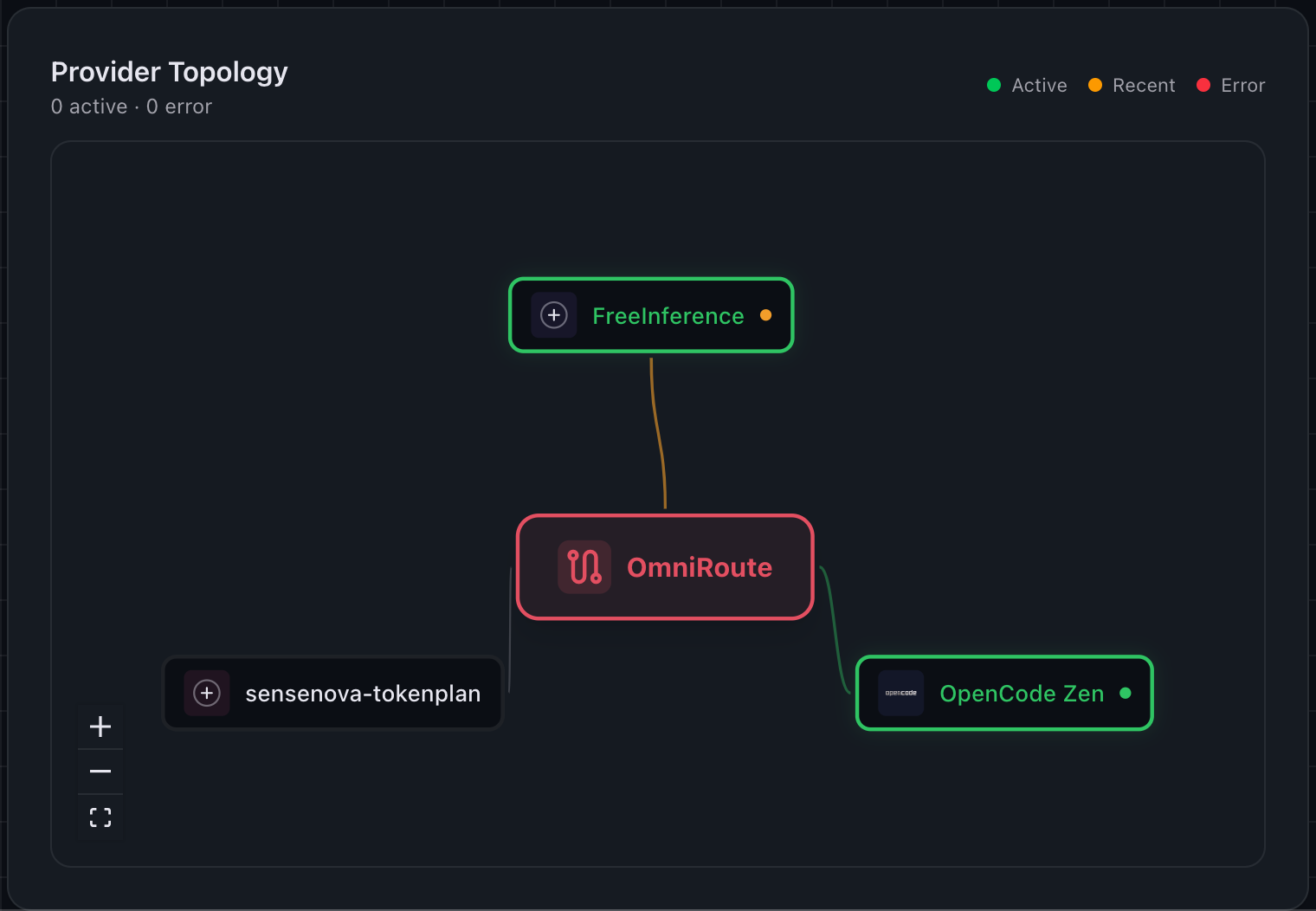
配置多个供应商之后,请求中模型填写 auto 时,OmniRoute 会根据内置策略自动从供应商中选择。
Combos
除内置的 auto* 路由外,还可以通过 Combos 自定义组合路由:
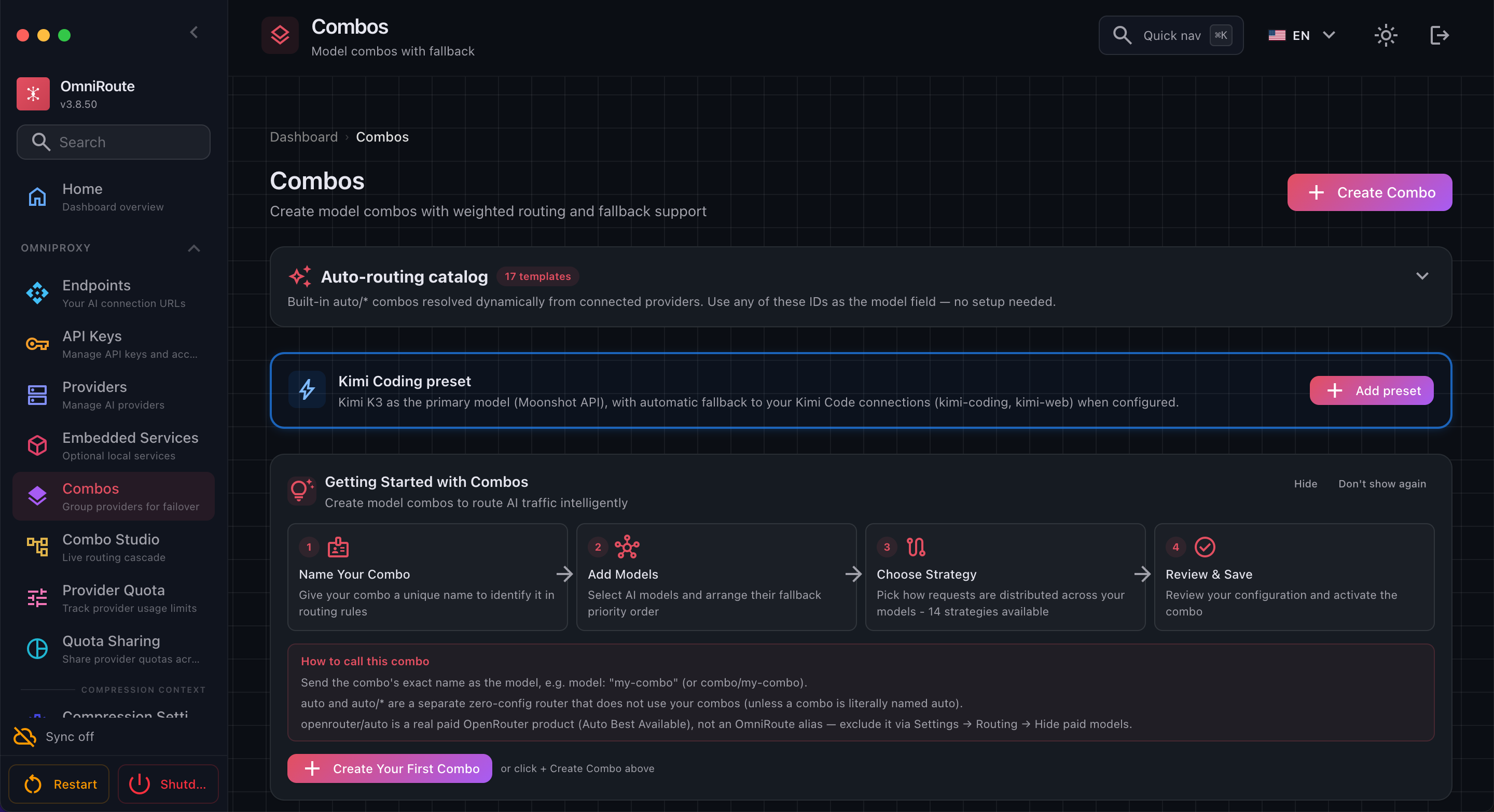
内置多种路由策略,可将多个模型供应商按优先级或权重等方式进行组合,从而实现更灵活的请求路由策略。
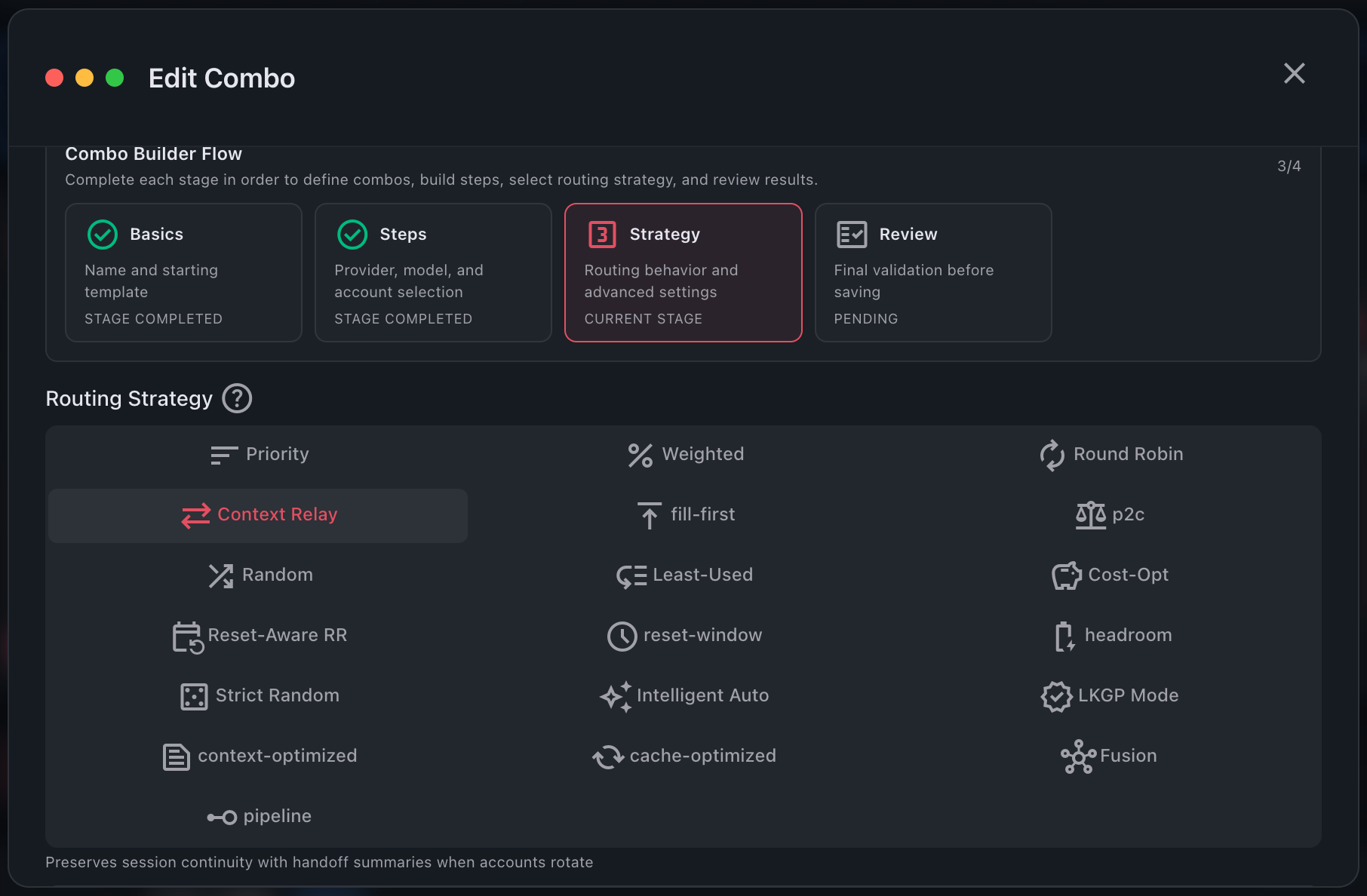
配置完成后,即可使用组合名称作为模型名称进行调用: